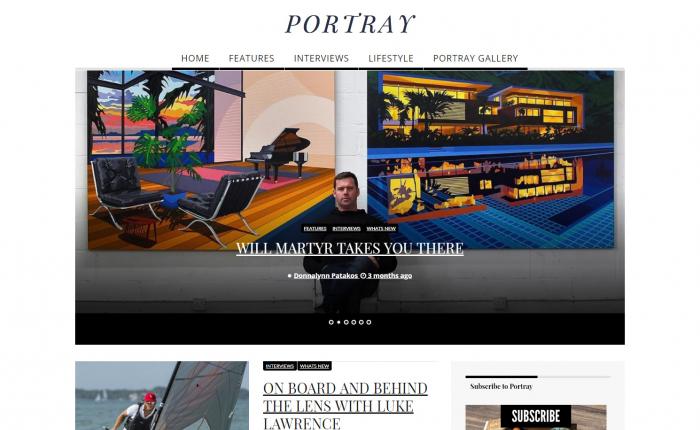
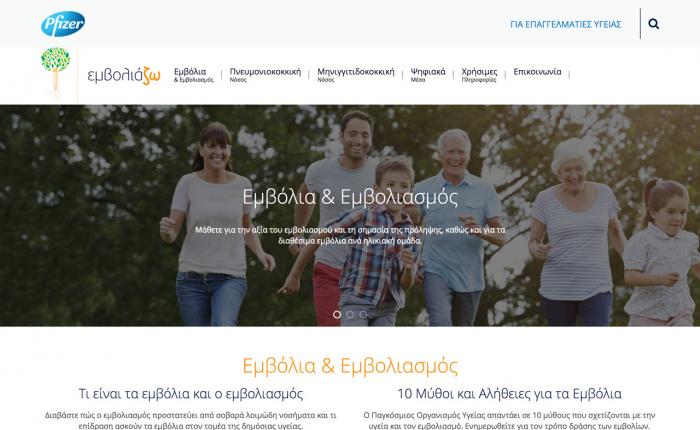
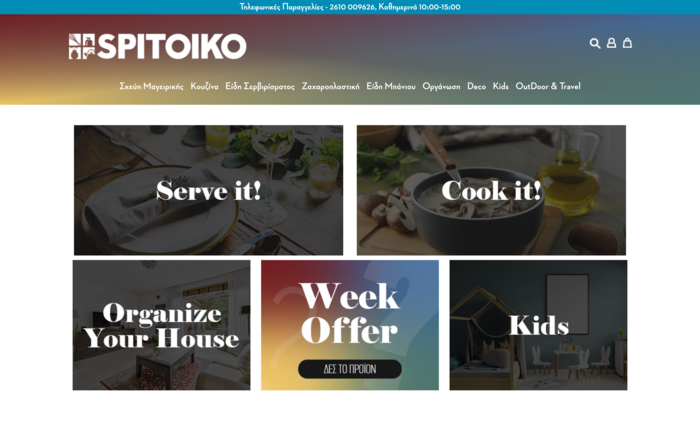
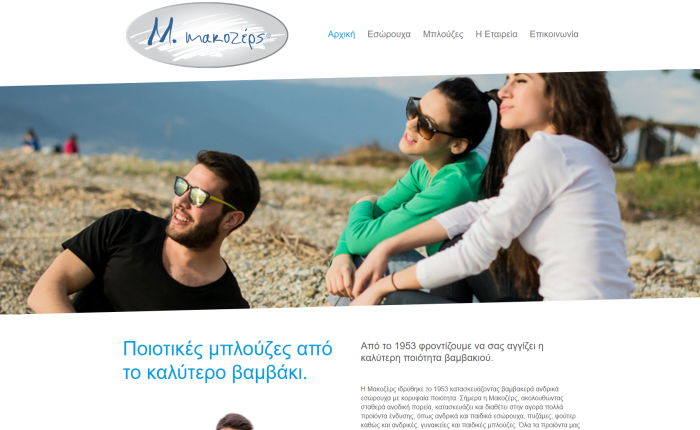
Why this article exists
A screenshot feels convincing. It looks like something happened. A tweet was posted. A WhatsApp message was sent. A receipt was issued. A package was delivered. A person ran 10 kilometers. A public figure said something. A customer left a review. A bank payment was completed.
But a screenshot is not the same thing as proof.
Today, anyone can create a realistic-looking fake screenshot in minutes. There are websites that generate fake tweets, fake Instagram posts, fake Facebook updates, fake WhatsApp conversations, fake iMessage chats, fake TikTok profiles, fake emails, fake SMS messages, fake receipts, fake news headlines, fake browser windows, fake app screens and even fake fitness routes.
Some tools are made for jokes, memes, education, design mockups or storytelling. Others sit in a more dangerous gray area, because the same visual tricks can be used for scams, harassment, misinformation, fake social proof, blackmail, refund fraud or reputation attacks.
Researchers have already identified screenshots as a serious misinformation problem. Studies about Twitter/X screenshots note that screenshots are widely shared as evidence, but users often do not verify whether the original post ever existed. Fake screenshots can create false attribution, especially when they are cropped, reposted on another platform or detached from their original context. Source: arXiv research on screenshot misinformation.
This article is not a tutorial for creating fake content. It is a defensive guide. The goal is simple: when people understand how easy it is to fabricate digital “evidence”, they become harder to fool.
The internet is full of fake screenshot generators
There are many categories of online tools that can create realistic-looking screenshots. Some are openly labeled as prank tools. Some are framed as social media mockup tools. Some are useful for designers, marketers and educators. Some can be abused.
The important point is this: the existence of these tools means that a screenshot should be treated as a starting point for verification, not as final proof.
1. Fake tweet and X post generators
Fake tweet generators are among the easiest tools to find. Tweetgen, for example, advertises the ability to create fake tweet images, reply chains, block screens and suspension screens. It also supports visual details such as a verified checkmark, custom engagement numbers, custom images and profile details. Visit Tweetgen.
Other websites, such as Zeoob and Prank Me Not, offer fake tweet or social media post generators with editable likes, comments, profile images, names and dates. Visit Zeoob. ClassTools also offers “Twister”, an educational fake tweet template where users can create a tweet-style image with a name, username, message and date. Visit ClassTools Twister.
This matters because a fake tweet can be used to make it look like a public figure, brand, politician, celebrity, journalist or company said something they never said. Once the screenshot spreads, the original context disappears. Even if the fake is later debunked, the damage may already be done.
Example scenario: A screenshot appears on Facebook showing a local business owner insulting customers. The post has a profile image, a username and hundreds of likes. People start sharing it angrily. But nobody has a link to the original tweet. Nobody can find it on the account. No archive exists. In that case, the screenshot alone should not be treated as evidence.
2. Fake Instagram, Facebook, TikTok and social media posts
All-in-one social media generators can create fake posts across multiple platforms. Zeoob lists support for fake Instagram posts, X/Twitter posts, Facebook posts, Snapchat posts, TikTok posts, WhatsApp chats and iMessage conversations. It also describes features such as live previews, comments, reply chains, likes, geo-tags and dark or light modes. Visit Zeoob.
FakeDetail is even broader. It lists fake generators for WhatsApp chats, call screens, Facebook posts, Instagram profiles, Instagram posts, Threads posts, Snapchat, X tweets, TikTok profiles, YouTube videos, Telegram, Skype, WeChat, Line, LinkedIn chats, phone call screens and fake emails. The site includes a disclaimer saying the mock content should not be used to impersonate or harm others, but the range of supported formats shows how wide the fake screenshot ecosystem has become. Visit FakeDetail.
Simitator is another long-running “social imitator” style site. It includes fake Facebook status posts, fake chats, fake Twitter/X messages, iPhone text conversations, Instagram posts and Tinder-style profiles. Its own text describes converting generated content into JPG images or taking screenshots. Visit Simitator.
Example scenario: A screenshot claims that a competitor posted a racist Instagram story, then deleted it. The image is cropped, there is no visible URL, no timestamp context and no screen recording. A few accounts repost it as fact. Without source verification, this is weak evidence.
What to check: Look for the original post. Search the exact wording. Check the account’s live profile. Look at archive services. Check whether credible sources, journalists or fact-checkers have documented it. If nobody can provide the original source, treat the screenshot as unverified.
3. Fake WhatsApp, iMessage, SMS and chat conversations
Chat screenshots are especially powerful because they feel private and personal. They can make it look like someone admitted something, threatened someone, agreed to a price, promised a payment, cheated, lied or confessed. But chat screenshots are also very easy to fake.
iFakeTextMessage allows users to generate iPhone-style fake text message conversations with editable names, message bubbles, battery, signal, connection type and time. Visit iFakeTextMessage. Zeoob, FakeDetail, Simitator and other similar tools also include fake chat or messaging formats across WhatsApp, iMessage, Messenger and other platforms.
WhatsApp has also been studied as a misinformation channel. Researchers have examined how manipulated images, memes and fake stories spread through WhatsApp, including during elections in Brazil and India. Read the research. The closed or semi-private nature of messaging apps can make verification harder, because messages are often forwarded without a public source, URL or searchable origin. Related research.
Example scenario: A screenshot of a WhatsApp conversation shows a supplier “confirming” that they received payment. The customer sends the image as proof. But the business never receives money. The screenshot may be real, edited or entirely fabricated. The only reliable confirmation is the actual bank account, payment processor dashboard, invoice system or official transaction reference.
Business rule: Never treat a chat screenshot as proof of payment, delivery, identity, authorization or legal agreement. Use systems of record: bank statements, payment processor logs, signed contracts, CRM entries, email headers, support tickets and official account dashboards.
4. Fake news headlines and newspaper pages
Fake news headline generators are another category. Break Your Own News lets users add a picture, headline and ticker to create a breaking-news-style image, and the site frames the tool as parody or humor while warning users not to create unlawful, defamatory or distressing content. Visit Break Your Own News.
ClassTools has a Breaking News Generator where users can set a news channel, headline, description, date, place and image. Visit ClassTools Breaking News Generator. Newspaper-style generators also exist, allowing users to create spoof newspaper articles with custom text and images. Example newspaper generator.
These tools can be harmless in a classroom or joke context. The problem begins when a fake news card is cropped, reposted and shared without the parody context.
Example scenario: A breaking news image claims that a local mayor resigned, a bank collapsed or a school closed tomorrow. The layout looks like a TV news screenshot. But there is no article link, no broadcaster page and no matching announcement. This is not enough.
What to check: Search the headline. Go directly to the news organization’s website. Check the official social accounts. Look for confirmation from multiple credible outlets. Check the date. Fake news images often circulate long after the joke or original context has disappeared.
5. Fake receipts, invoices and expense documents
Receipt and invoice generators can have legitimate uses, especially for templates, design, testing or replacing a lost internal record. But they also show why image-based proof of payment is risky.
ExpressExpense describes itself as an online receipt maker with custom templates for items such as taxi, parking, restaurant and gas receipts. Visit ExpressExpense. ExpensesReceipt advertises duplicate and custom receipt creation for categories such as food, travel, parking, gas and hotels. Visit ExpensesReceipt.
The defensive lesson is not “all receipts are fake”. It is that a JPG, PDF or screenshot of a receipt is only a claim. It must match an actual transaction in the seller’s system, accounting platform, payment processor, tax system or bank record.
Example scenario: A customer sends a screenshot of a bank transfer or a receipt and asks for urgent delivery. The screenshot looks official. The business ships the product. Later, the payment never arrives. The screenshot was not proof.
Business rule: For payments, use confirmed settlement, not screenshots. For invoices, verify invoice numbers in the accounting system. For reimbursement, require original receipts where appropriate, card statements, supplier records or expense software workflows.
Safety note: We deliberately do not link to tools whose primary practical use may involve fake bank transfers, official documents, identity documents, medical documents or similarly high-risk material. The important point is that these categories exist and that businesses should verify them through official systems.
6. Fake running maps, GPS routes and fitness screenshots
Even physical activity can be faked visually. PopSugar reported on “Fake My Run”, a site created to generate fraudulent routes and run times for apps such as Strava. The same article also discussed people paying “Strava mules” to complete activities under someone else’s account. Read the PopSugar report.
Strava has also faced issues around suspicious activity data, including activities recorded in motor vehicles, inaccurate GPS data and cheating in leaderboards. Suspicious activities can be flagged or reported through the platform.
The lesson is bigger than running. Any app screenshot that summarizes an activity, delivery, route, location, booking, order or transaction can be manipulated, simulated or taken out of context.
Example scenario: An influencer posts a running map claiming they completed a marathon-distance training session. A brand uses the screenshot in a campaign. Later, followers notice impossible pacing and route patterns. The screenshot was not enough to validate the claim.
What to check: Look for the original activity link, GPS consistency, heart rate data, device metadata, splits, elapsed time, moving time and whether the account has a normal activity history.
7. Screenshot beautifiers and mockup tools
Not every screenshot-related tool is malicious. Many tools are designed for designers, marketers and developers who want to create attractive product screenshots.
Shots.so, for example, describes itself as a tool for creating mockups, animations, images and videos for social media and websites, including device mockups and export presets. Visit Shots.so.
TweetPik is positioned around creating better-looking Twitter/X screenshots from existing tweets, rather than necessarily fabricating posts from scratch. Visit TweetPik. Screenshot.rocks is another browser and mobile screenshot mockup tool. Visit Screenshot.rocks.
These tools are useful in legitimate design workflows. The risk is that polished presentation can make weak evidence look more credible. A beautiful device frame, browser window or social card does not make the content true.
Example scenario: A fake customer review is placed inside a clean iPhone mockup and posted as “proof that people love our product”. The design looks professional, but the claim still needs verification through the original platform.
Why screenshots are weak evidence
A screenshot has several weaknesses.
First, it is easy to create. A person does not need advanced Photoshop skills. Browser-based generators can create convincing social media and chat images quickly.
Second, screenshots are easy to crop. A cropped image can hide a parody label, fake username, old date, missing context or reply thread. Reuters has fact-checked examples where parody or satire context was hidden when screenshots were cropped and shared elsewhere. Read the Reuters fact-check.
Third, screenshots travel without metadata. When an image is reposted from X to Facebook, then to WhatsApp, then to a blog, most users lose the original source.
Fourth, screenshots invite emotional reaction. A shocking quote, offensive message or scandalous receipt is designed to make people share before checking.
Fifth, screenshots are hard to search when they contain text as an image. Researchers studying screenshot-based misinformation have explored ways to extract text and verify attribution because normal platform search is not always enough. Read the research.
A practical verification checklist
Before trusting or sharing a screenshot, use this checklist.
1. Ask for the original source
A real tweet, post, review, order, tracking update or public announcement usually has a URL, account, ID or official dashboard. A screenshot without a source is weaker than a screenshot with a source.
For private messages, ask for the original conversation on the actual device or platform, not just an image.
2. Search the exact wording
Copy the exact text from the screenshot and search it. Search the name plus a unique phrase. Use multiple search engines when the claim is important.
For public claims, also search fact-checking sites and reputable news organizations. Research on fake screenshots has specifically looked at verifying claims through live web search, fact-checking sites and archives. Research source.
3. Check the account directly
Do not click random links from the screenshot sender. Open the platform yourself and search for the account. Check the username, display name, verification status, date, post history and whether the alleged post exists.
Remember that display names can be copied. Usernames are harder to fake, but they can still be impersonated with small spelling changes.
4. Use reverse image and context tools
Google’s “About this image” feature can show when an image or similar images were first indexed, where else the image appears online and how other sites describe it. It is available through Google Images, Lens and Chrome. Learn about Google’s About this image feature.
This is especially useful when a screenshot is old, recycled, translated, edited or taken from another country.
5. Check archives
For deleted public posts, check web archives or specialized archives. A missing archive does not automatically prove something is fake, but an archive can help confirm that a post existed.
6. Verify through the system of record
For businesses, the system of record matters more than an image.
- A payment screenshot should be checked against the bank or payment processor.
- A receipt should be checked against the accounting or POS system.
- An order screenshot should be checked in the ecommerce backend.
- A delivery screenshot should be checked with the official courier tracking number.
- A support conversation should be checked inside the helpdesk.
- A contract screenshot should be checked against the signed document workflow.
7. Treat Content Credentials as useful, not magical
Content Credentials and the C2PA standard aim to provide provenance information for digital media, similar to a “nutrition label” showing origin and edits. The initiative includes major technology and media organizations. Visit C2PA.
However, provenance technology is not a complete solution by itself. Security researchers have warned that current implementations and specifications still have limitations and should not be relied on alone for high-stakes uses such as finance, journalism or legal evidence. Read related research.
Red flags that a screenshot may be fake
- The screenshot has no link, no source and no archive.
- The sender says “share before they delete it”.
- The image is cropped tightly around the shocking part.
- The username is missing, blurred or slightly misspelled.
- Engagement numbers look unrealistic.
- The timestamp does not match the story.
- The design looks like an old version of the app.
- The grammar or UI language is inconsistent.
- The profile photo is low quality or generic.
- The screenshot makes you angry immediately.
- The claim would be easy to verify, but nobody has verified it.
- The image asks for money, urgency, secrecy or quick action.
A screenshot does not need to be perfect to cause damage. It only needs to be believable enough for people to share it.
What organizations should do
Businesses, public organizations and professionals should assume that fake screenshots will become more common, not less. The solution is not panic. The solution is process.
Create clear verification rules. A payment is not complete until it appears in the official account. A social media crisis is not real until the original post, archive or credible report is found. A customer complaint screenshot should be checked inside the CRM or helpdesk. A supplier instruction should be confirmed through an approved communication channel.
Train staff not to act on screenshots alone. This is especially important for customer support, accounting, ecommerce, HR, PR, social media and management teams.
Use audit trails. Keep logs, ticket histories, transaction IDs, email headers, invoice IDs and user activity records. These are stronger than images.
Have an escalation path. When a screenshot accuses your company or employee of something serious, do not respond emotionally. Preserve the image, document where it appeared, look for the original source, check internal systems and decide whether legal, PR or security support is needed.
Prepare a public response template. If your brand is targeted by a fake screenshot, you need a calm statement:
We are aware of an image circulating online. We have not found evidence that this post or message originated from our official channels. We are investigating and will update through our verified accounts.
Monitor brand mentions. Fake screenshots can spread fast, especially in closed groups and local communities. Social listening, search alerts and customer reports can help you respond early.
What everyday users should do
For users, the best habit is simple: pause before sharing.
A screenshot may be real, fake, edited, old, cropped, satirical or out of context. Before forwarding it to friends, posting it in a group or using it to attack someone, ask: where did this come from?
The SIFT method from Mike Caulfield is a useful mental model: Stop, Investigate the source, Find better coverage and Trace the claim back to its original context. Read about the SIFT method.
Stanford’s lateral reading approach also teaches people to leave the page they are looking at and check what other reliable sources say about the same claim. Learn about lateral reading.
A good rule: the more emotional the screenshot makes you feel, the slower you should be to share it.
Evidence ladder: what is stronger than a screenshot?
- A cropped screenshot is weak evidence.
- A full screenshot with visible URL, date and account is better, but still not enough.
- A direct link to the original post is stronger.
- A web archive of the post is stronger still.
- A record inside the official platform or dashboard is stronger.
- A signed document, verified transaction ID, server log, email header or platform audit trail is much stronger.
For public content, the best proof is the original source plus independent verification. For private business actions, the best proof is the system of record.
Frequently asked questions
Are all fake screenshot generators bad?
No. Some are used for jokes, education, UI mockups, product demos, training, design previews or storytelling. The problem is misuse. A harmless classroom example can become harmful when it is presented as real evidence.
Can a screenshot ever be useful?
Yes. Screenshots can be useful for documentation, bug reports, customer support and preserving context. But they should be supported by stronger evidence when money, reputation, safety or legal issues are involved.
How can I tell if a screenshot is fake?
You usually cannot be certain from the image alone. Look for the original source, search the exact text, check official accounts, use reverse image tools, check archives and verify against the platform or business system that should contain the record.
What should a business do when a customer sends a payment screenshot?
Do not ship, activate or approve anything based only on the image. Confirm the payment in your bank account, payment processor or accounting system.
What should I do if someone shares a damaging screenshot about me or my business?
Save the image, record where it appeared, avoid emotional replies, search for the original source, check your own systems and prepare a factual response. For serious accusations, involve legal, PR or security professionals.
What is the main takeaway?
Screenshots are claims. They are not proof by themselves. Trust the original source, the official system and independent verification.
Final thoughts
We live in a digital environment where fake visual evidence is cheap, fast and convincing. A screenshot can destroy trust, trigger outrage, damage a business, mislead a customer or pressure someone into a bad decision.
The solution is not to distrust everything. The solution is to verify better.
At WEFIXIT, we build and support digital businesses that depend on trust: websites, ecommerce platforms, customer systems, hosting infrastructure, marketing channels and online operations. A modern digital business needs more than a nice interface. It needs secure processes, reliable records and teams that know how to separate screenshots from evidence.
Before you trust the next viral screenshot, ask one question: Where is the original proof?